
How do I change the IFM amount for one item?
Applies to
- WorldShare ILL
- Tipasa
Answer
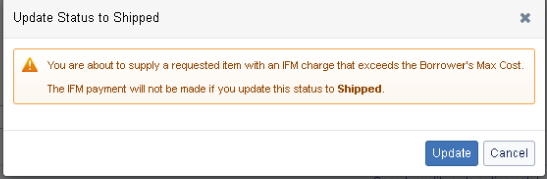
You can change the amount in the request itself. You will then want to make the request conditional so the borrower knows they may need to change their IFM max cost. If the lending library marks the request as "Yes" and the IFM amount is higher than their max cost, the lender will see a pop up message about this and the borrower will not be charged that amount
Additional information
For more information about managing IFM billing, please see Manage IFM.