
How do I cancel the email delivery of the Digital Collection Gateway monthly report?
Applies to
- Digital Collection Gateway
Answer
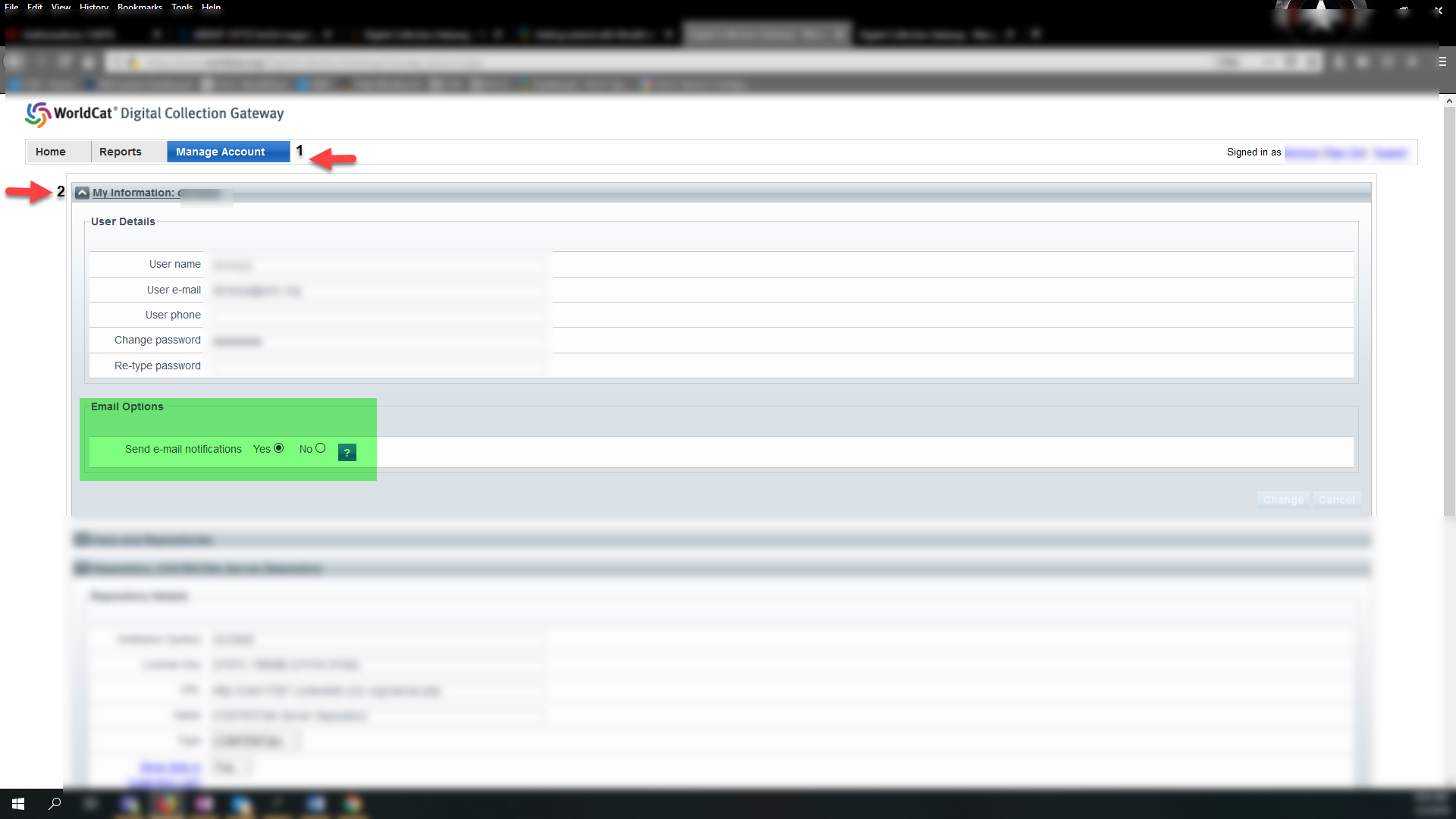
The report is turned off from the Email Options setting inside Digital Collection Gateway.
- Log into Digital Collection Gateway
- Click on the Manage Account menu
- Click on the My Information tab
- Under the Email Options sub-menu, select No
Informazioni aggiuntive
OCLC Support is able to change this setting for you. They will need your Digital Collection Gateway username.